
Window Resizer
Snap windows to any size.
Stop dragging window edges. Window Resizer gives you exact pixel dimensions in a single click — perfect for App Store screenshots, screen recordings, and layout testing.
Exact pixel sizingCustom presetsKeyboard shortcutsAny app window
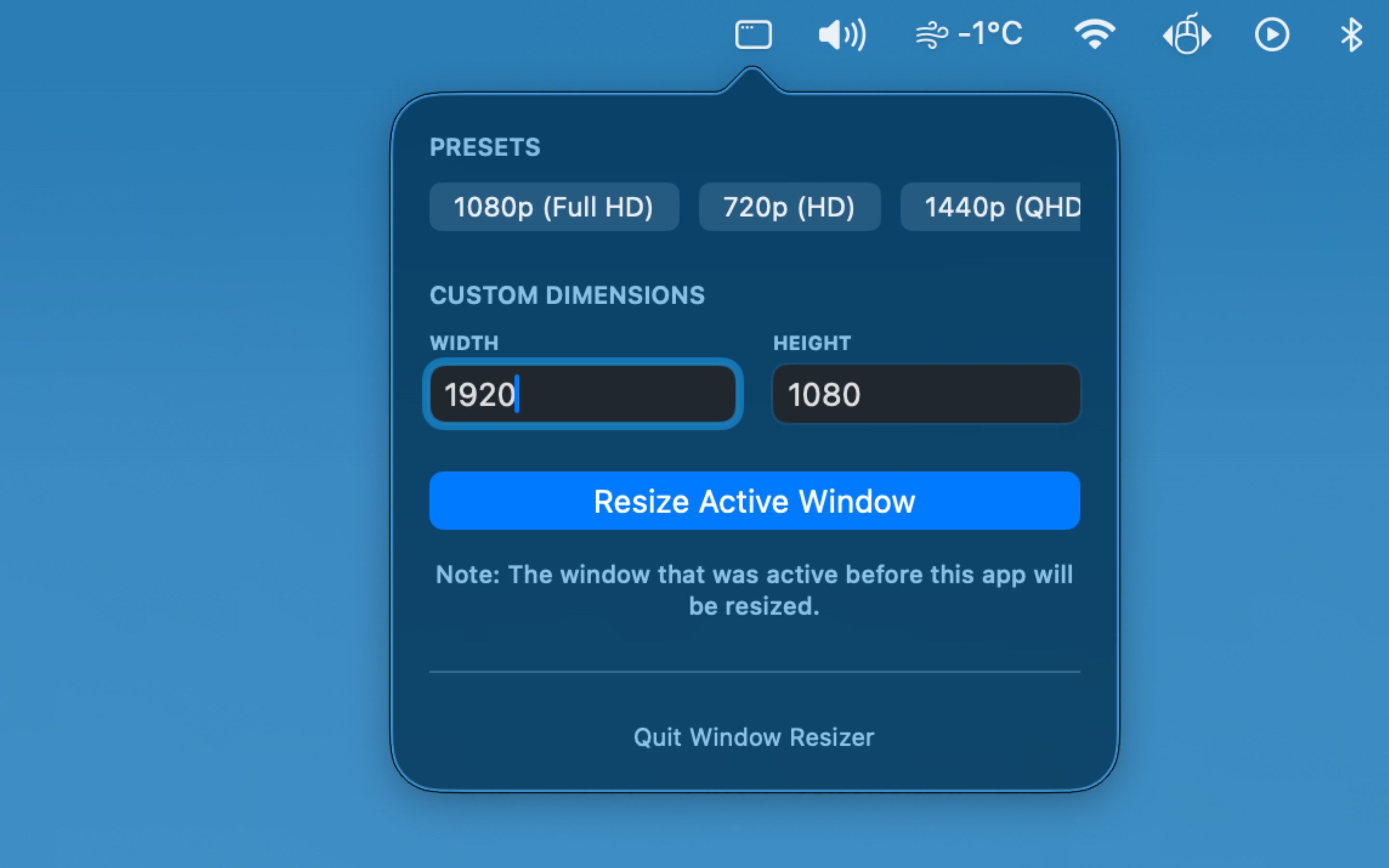
Precision, without the hassle.
Pixel-perfect sizing
Resize any window to an exact width and height in pixels. No approximations, no dragging — just the number you need.
One-click presets
Common resolutions like Full HD, HD, and QHD are one click away. Add your own presets for sizes you use every day.
Keyboard shortcuts
Trigger any resize without touching the mouse. Set shortcuts for your most-used sizes and never break your flow.
Works with every app
Browser, Xcode, Figma, terminal — Window Resizer works on any macOS window. No per-app setup required.
Window Resizer requires Accessibility permission to resize windows. This access is used only to perform the resize action — nothing else is read or stored.