Tiny Instrument
Learn music by playing it.
Tiny Instrument turns music theory into something hands-on, musical, and playful. Learn Listen Practice Play Compose inside one connected app designed to make music feel inviting from the first keypress.
- Guided lessons from first note to advanced theory
- Ear training to recognise intervals, chords, and scales
- Practice mode with real-time feedback and stats
- Connect a MIDI keyboard for a real instrument feel
- Compose and save your own chord progressions

Free to download. One-time unlocks. No subscription.

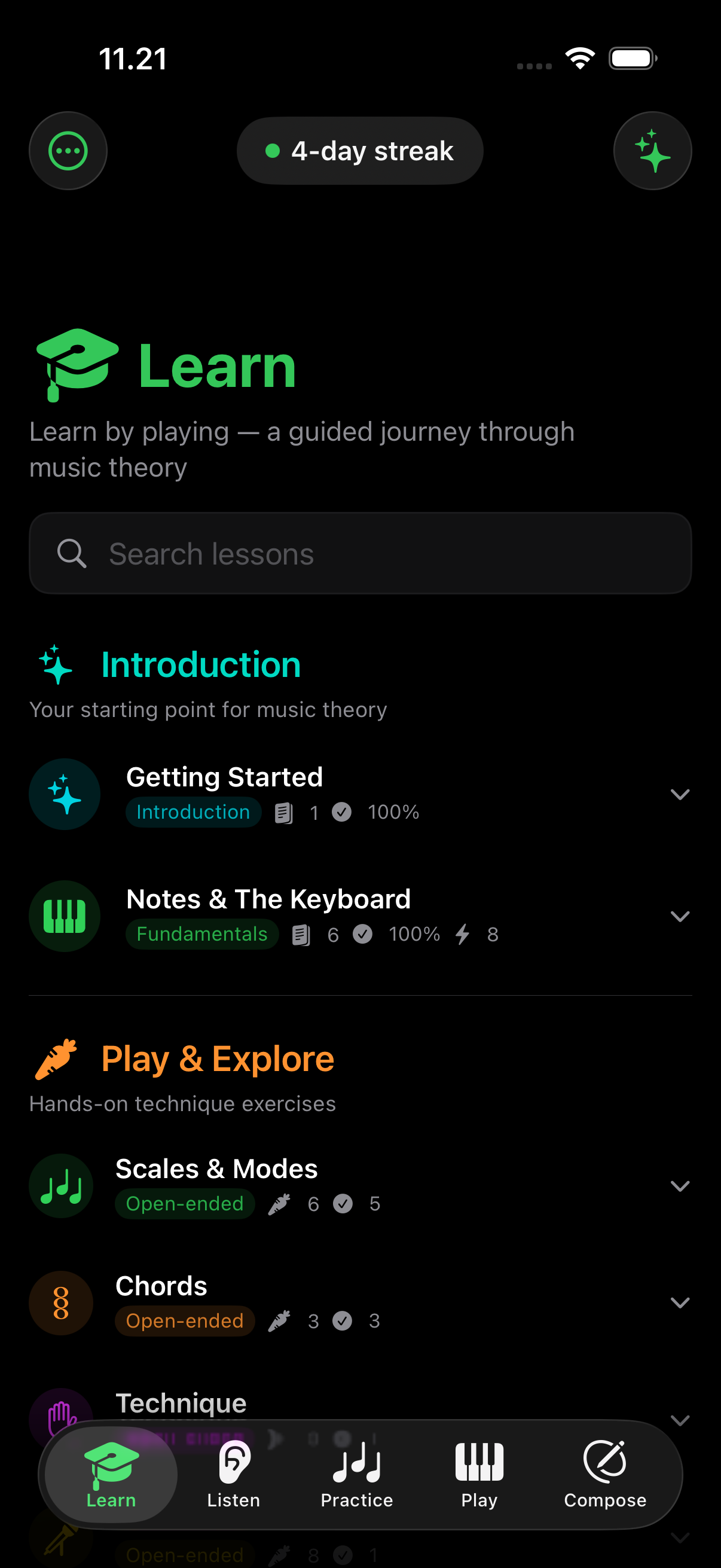
Learn
A guided journey through music theory.
Start at the keyboard, not in a textbook.
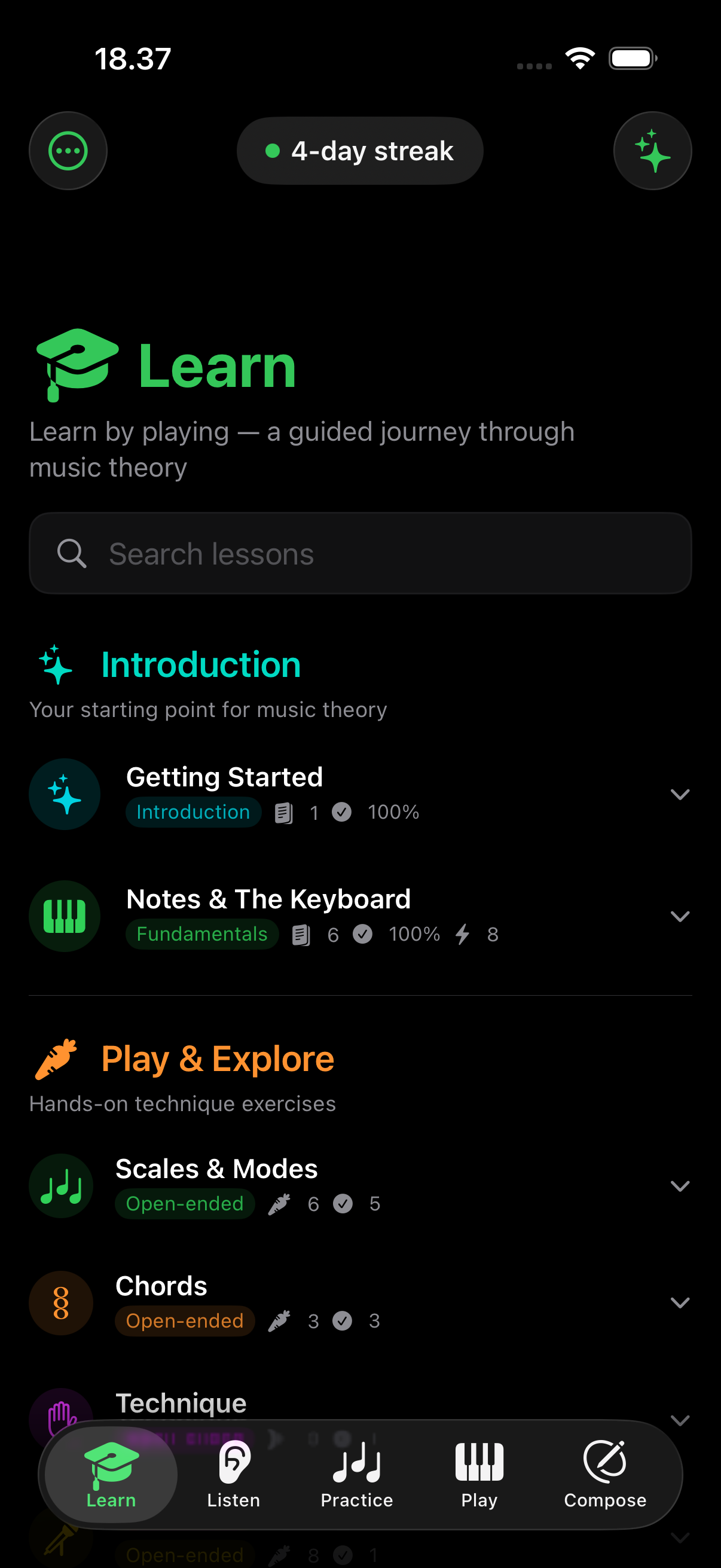
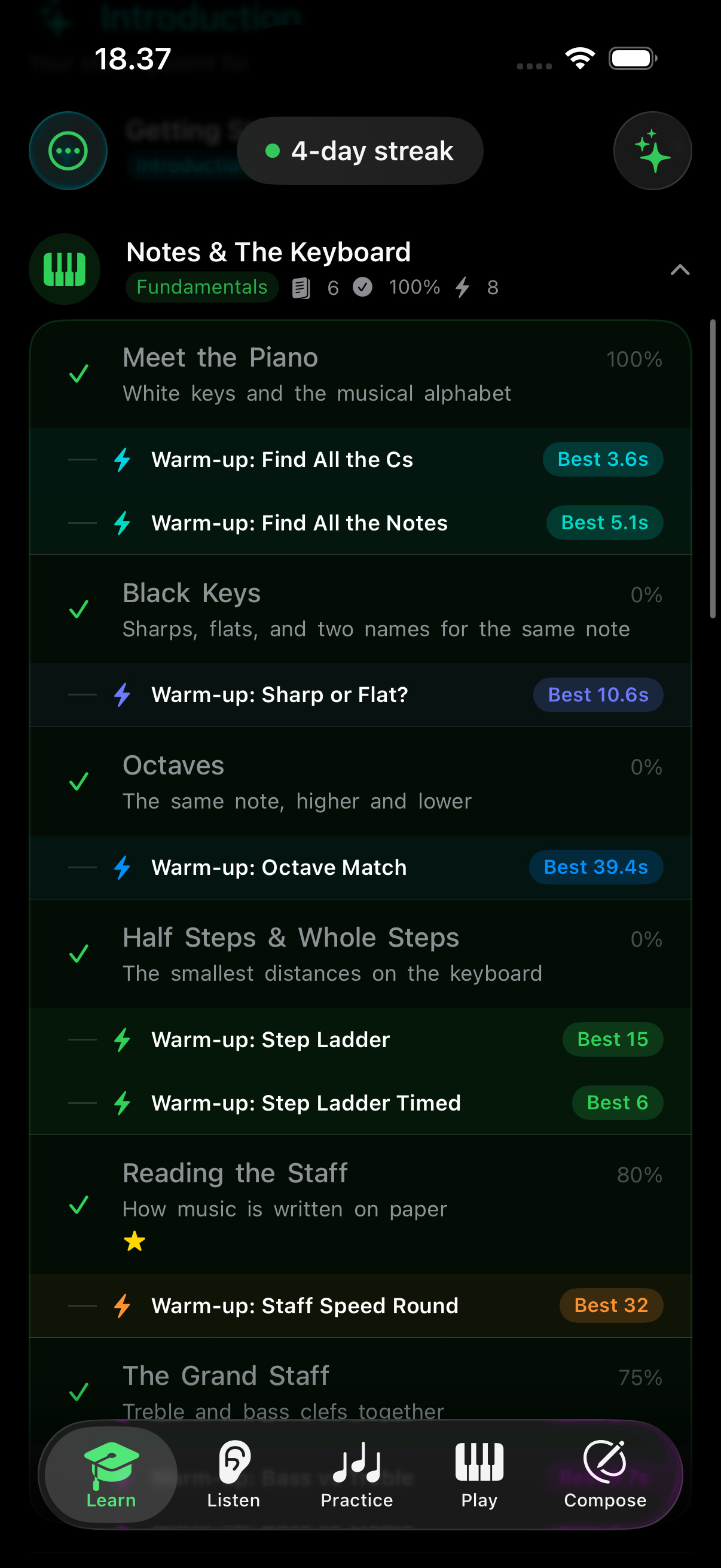
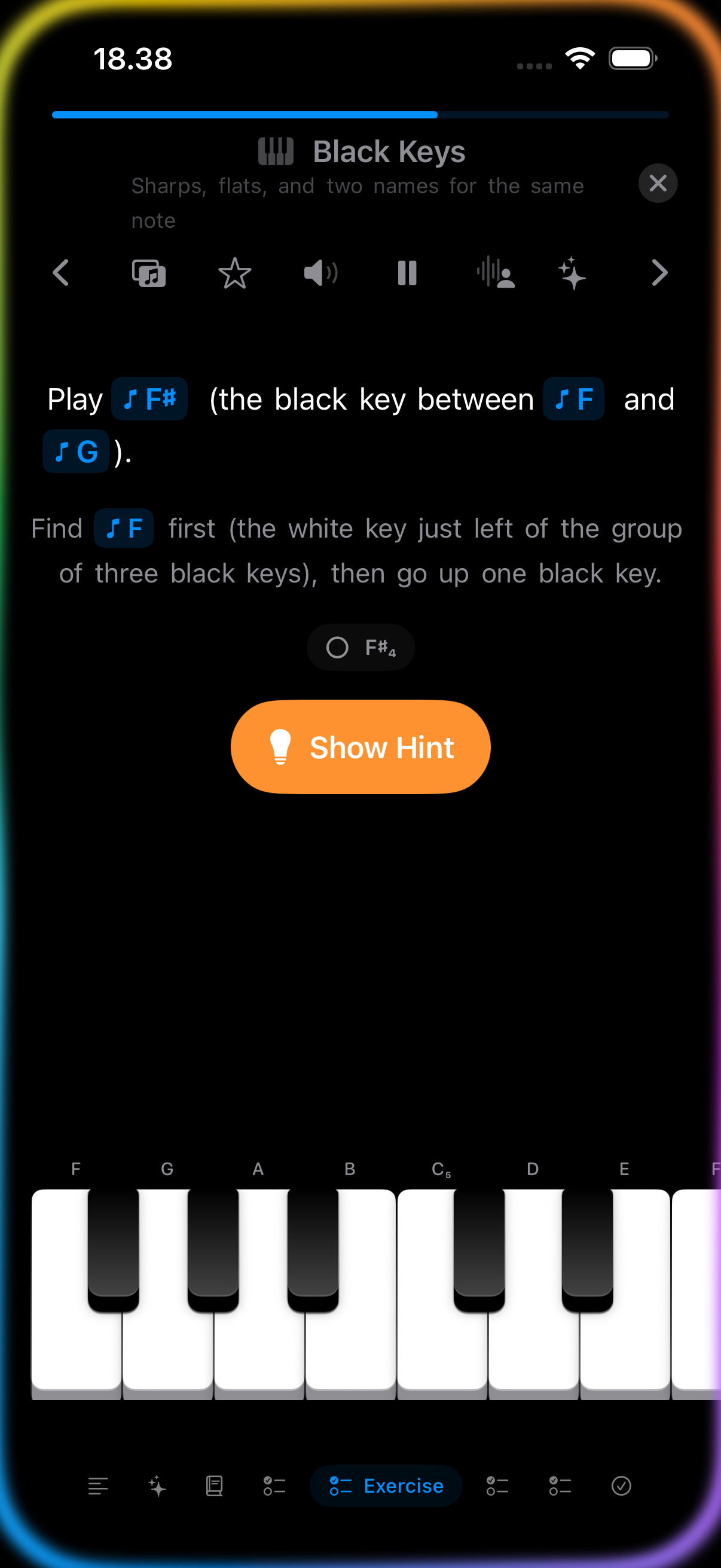
Learn is the structured core of Tiny Instrument. It teaches notes, scales, chords, harmony, and progressions through keyboard interaction, gentle pacing, narration, and visual feedback. Inside Learn, Play & Explore adds a more open-ended layer for technique, shapes, and musical discovery.

Listen
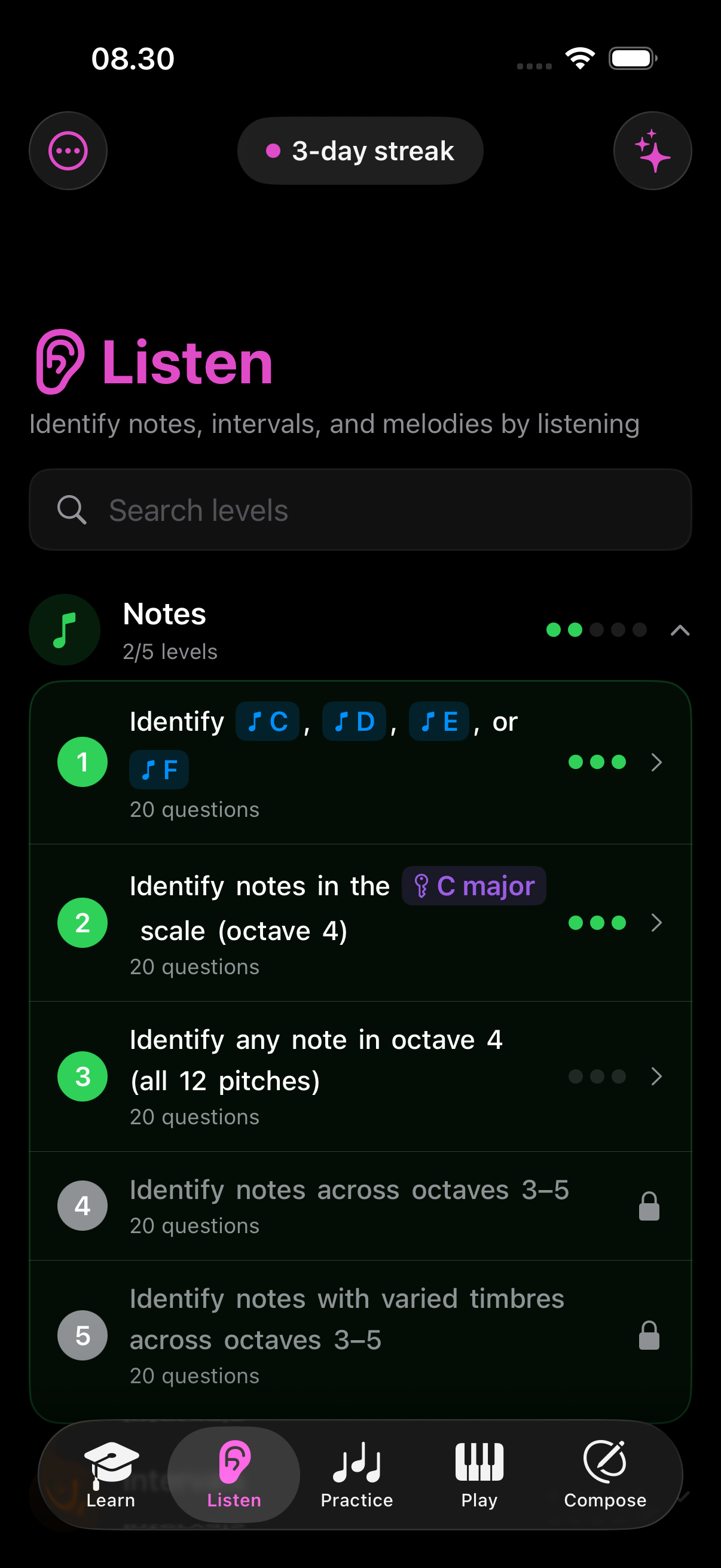
Train your ear by listening.
Notes, intervals, scales, chords, and melodies.
Listen is Tiny Instrument's ear training mode. It builds listening skills category by category, so you can connect what you hear to what you later play, study, and practice elsewhere in the app.

Practice
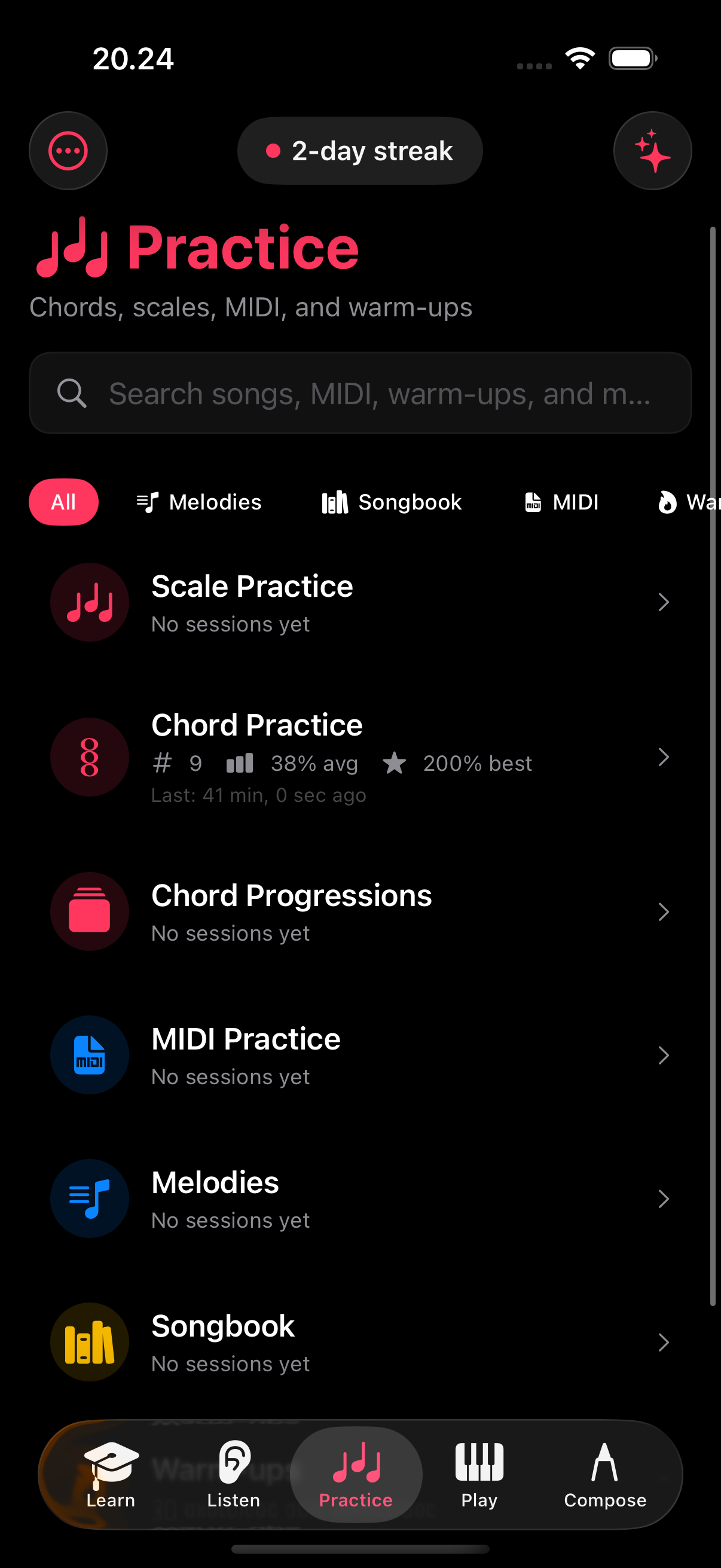
Drills that still feel alive.
Scales, chords, MIDI, songs, warm-ups, and more.
Practice is where repetition becomes momentum. Instead of feeling like a detached drill engine, it turns scales, chords, songs, MIDI work, and warm-ups into a focused but lively practice flow with stats and progress.

Play
Explore scales, chords, and instruments directly.
A musical sandbox with the keyboard front and center.
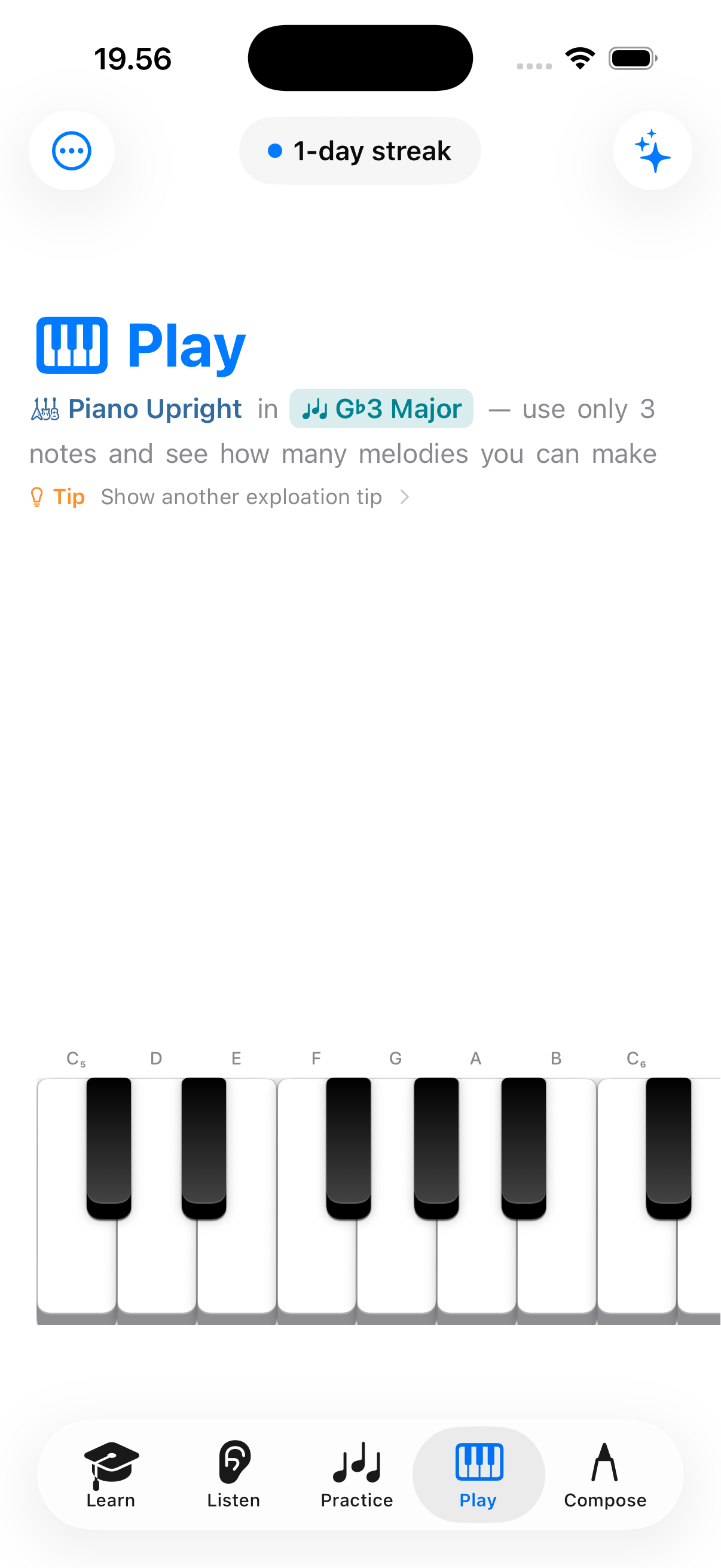
Play is the most immediate keyboard surface in the app. It is designed for direct interaction: visual keyboard, staff context, note names, and instrument exploration. This is where ideas can feel tactile before they become formal lessons or full practice sessions.

Compose
Turn learning into your own music.
A gentle sequencer for progressions, ideas, and first songs.
Compose gives Tiny Instrument a creative landing place. You can save chord progressions, start compositions, and shape first-step arrangements without jumping into a heavyweight production environment.

Aria
A learning companion, not the whole product.
Ask questions, get suggestions, and keep momentum.
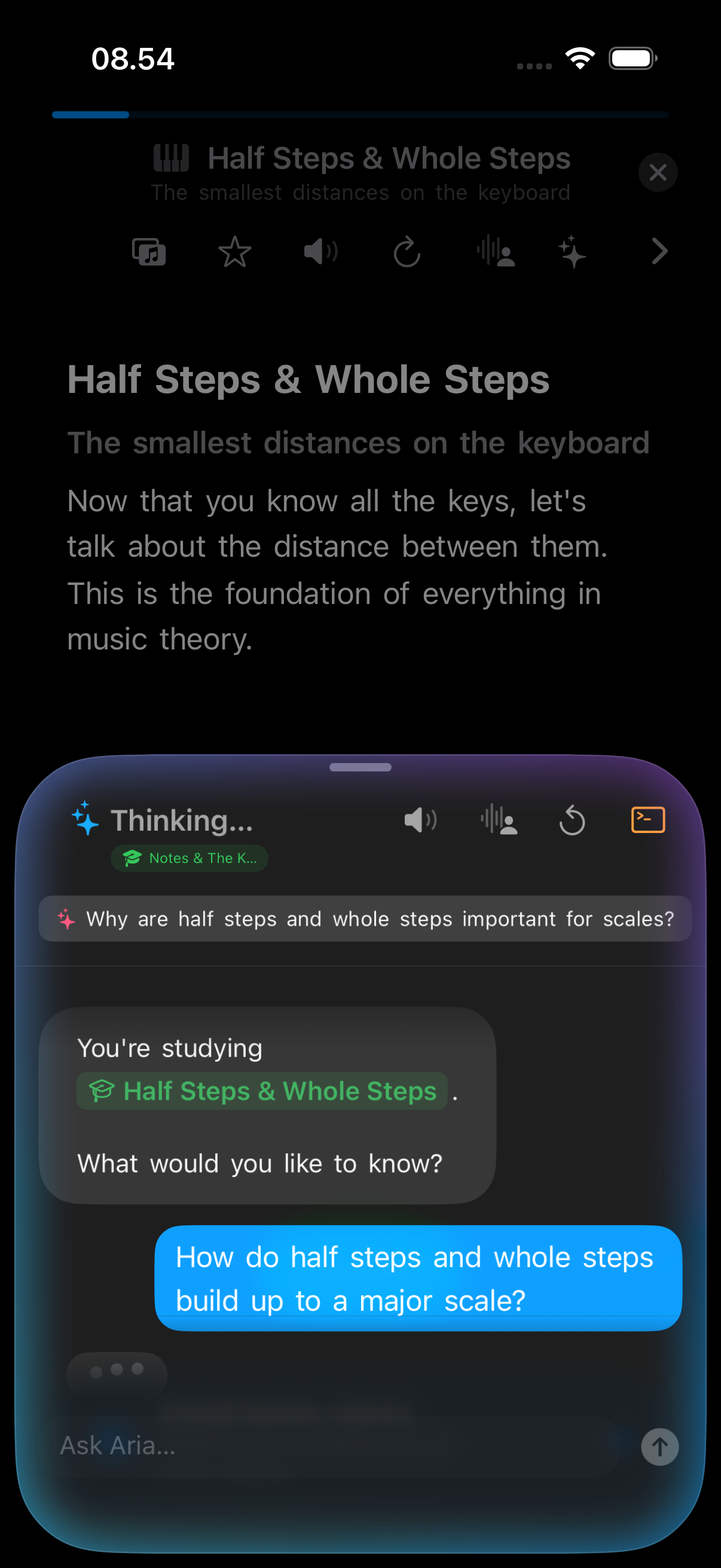
Aria helps you stay moving inside the part of the app you are already using. It can answer questions about the current concept, suggest the next useful step, and offer actions you can take right away instead of pushing you into a detached chat experience.

Context-aware guidance
Aria can see the lesson, concept, or practice surface you are on and respond with help that fits that exact moment.

Actionable next steps
It can suggest a scale, apply it to the keyboard, point you toward a lesson, or send you into practice with one tap.
On-device. Private by design.
Aria runs entirely on your device using Apple Intelligence — no data leaves your phone, no server, no account required. Your questions, your lessons, and your progress stay yours.
Requires a supported Apple Intelligence device running iOS 18.1 or later.
More features
More than modes.
MIDI playback
Play back progressions and compositions through MIDI so you can hear ideas with any instrument.
MIDI export
Export your compositions and progressions as MIDI files to use in any DAW or notation app.
SF2 / SoundFont support
Load custom SoundFont files to play and practice with any instrument sound you own.
Theory reference
A built-in reference for scales, chords, intervals, and keys — always one tap away.
Progress tracking
Completed lessons, session history, and practice stats so you can see how far you've come.
Focus sessions
Set a daily focus — a mode, concept, or topic — and the app surfaces the right content for it.
Notifications
Stay on track with gentle nudges and activity updates that keep you moving without pressure.
Mini games
Short musical games — note identification, interval challenges, and more — make practice feel like play.
Practice reminders
Set a daily reminder time and the app will prompt you to keep your streak going.
Metronome
Access the metronome from any mode — set BPM, time signature, and volume without leaving your current context.
Live Rewind
Play mode records a rolling 2-minute MIDI buffer. Tap Rewind to play it back or save it straight to Compose.
Scale fingering hints
See the correct right-hand fingering on every key while practicing any major or natural minor scale.
Accessibility
Designed to work for more people.
Tiny Instrument follows the accessibility settings you already rely on. We track our support against Apple's own accessibility features, so you can see exactly what works today and what's on the way.
Apple accessibility features

Dark Interface
A dark color scheme across screens, menus, and controls. Built dark-first with full light mode — switch in Settings or follow your system.

Reduced Motion
Honors the system Reduce Motion setting: the flying-note overlay and launch animations simplify or switch off.

Larger Text
Text scales in every mode on iPhone, iPad, and Mac. macOS uses custom shims since SwiftUI's Dynamic Type hook is ignored there.

VoiceOver
Lessons are fully narrated by Aria — every step, hint, and explanation is spoken aloud. Systematic VoiceOver labeling for the keyboard and chord views is in progress.

Voice Control
Navigate and interact using your voice to tap, swipe, and type. Coming with our accessibility-labeling work.

Differentiate Without Color
Unique icons for every inline music token — intervals, chord qualities, scales, and degrees are distinguishable by shape. Keyboard border cues coming next.
Sufficient Contrast
Increase Contrast support is in progress — swapping lower-contrast fills for higher-contrast variants across text, tokens, and highlights.

Bold Text
Respects the system Bold Text setting and an in-app override. Every text site bumps one weight step, capped at bold.
Also built in

Narration and spoken guidance
Lessons, Aria, and guided retry steps can read content aloud, with a choice of narration voice.
Note labels and keyboard guides
Key names, note labels, and fingering guides can stay on the keyboard at all times.

External MIDI input
A physical keyboard can replace touch entirely across lessons, ear training, and practice.
Personalize & Control
Make the app work the way you learn.
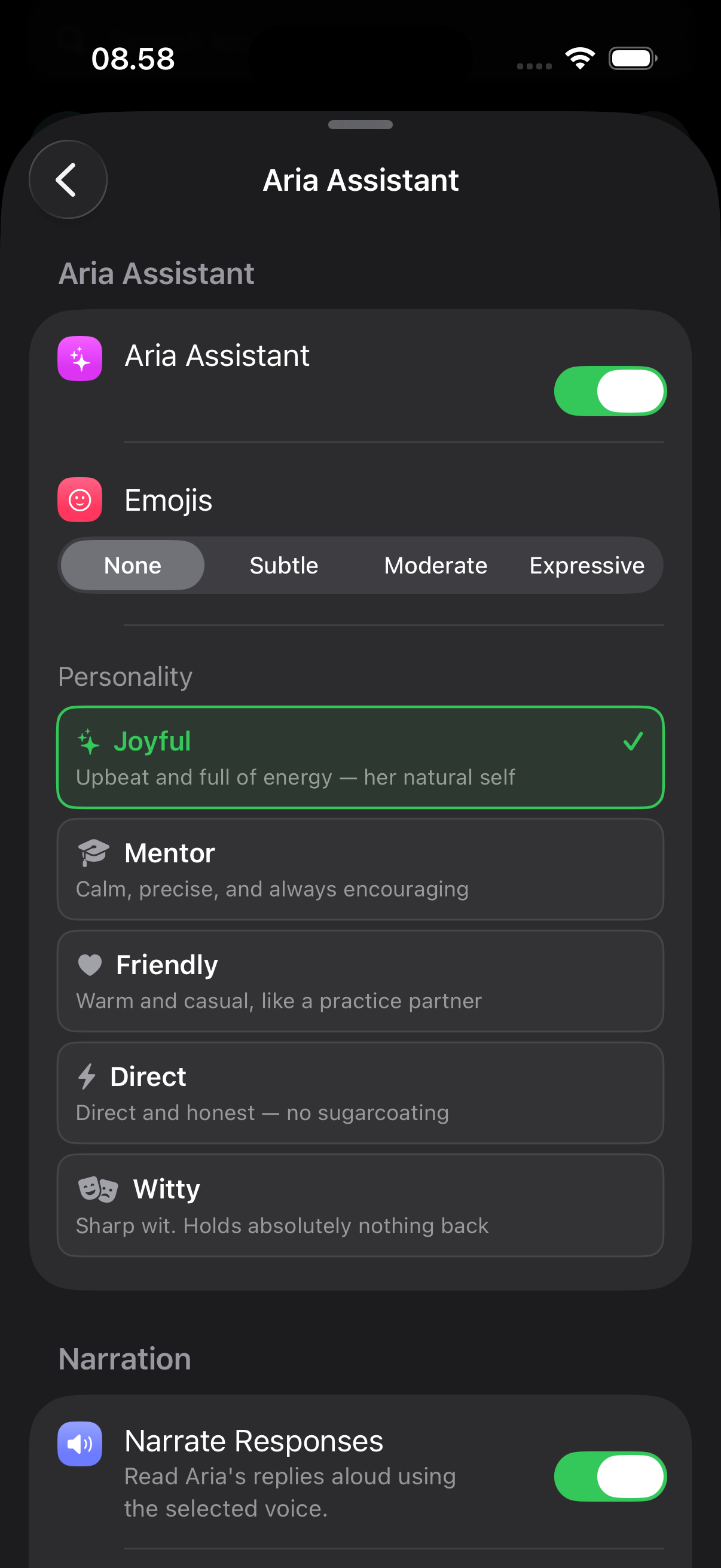
Tiny Instrument is designed to be adaptable. Whether you want narration, a lighter visual surface, stronger keyboard guidance, or external MIDI control, the app gives you room to shape the experience around your own way of learning.
Screenshots
See it in action.
Reviews
What people are saying
Very cute and polished music and theory tutor
Very well designed music theory and performance teacher. You can plug in a keyboard or tap keys/screen to play along. Lots of unobtrusive explanations of terms, a nicely paced set of theory lessons and practice, and regular quizzes to reinforce learning. I've only used this a day or so, and am learning not only far more about music than I have before but how many features and tricks this programme has. It seems to sync my lessons across devices, which was unexpected. Developer seems engaged and responsive, adding features and refinements as they go. Recommended — and far more affordable than many tutorials I've seen, with its single-payment model.
Keyboard Connectivity
Connect a keyboard and make it feel immediate.
Tiny Instrument works both as a touch-first app and as a connected keyboard experience. You can start on-screen, then grow into external MIDI input without switching products.
On-screen and external
You can tap directly on screen or play through an external MIDI keyboard.

A growth path
Beginners can start small, then plug in a keyboard later without outgrowing the app's main interaction model.
Cross-platform
One app across iPhone, iPad, and Mac.
Buy once and it's on every device you own. Quick sessions on iPhone, roomier exploration on iPad, desk-scale practice on Mac — with your progress synced across all of them.

Pocket to desk
Start a lesson on your phone and pick it up on your Mac. The same app, the same modes, wherever you are.

Progress synced via iCloud
Your compositions, chord progressions, Songbook songs, and lesson and practice progress all sync automatically across your devices — nothing to set up, and it works offline too.

Buy once, use everywhere
One purchase unlocks the full app on iPhone, iPad, and Mac. No separate versions, no platform upsells.
View pricing →Friendly, not childish
Playful enough to invite beginners in, deep enough to keep them growing.
Tiny Instrument is designed to make music learning feel alive. It gives beginners a warm place to start, gives self-taught players a way to connect theory to the keyboard, and gives curious musicians one place to learn, listen, practice, play, and compose.
 r/TinyInstrument
Free to start · Expand with in-app purchases · No subscription
Learn
Learn the theory behind the app
Eight topics covering notes, rhythm, intervals, scales, chords, and more — drawn from Tiny Instrument's curriculum.